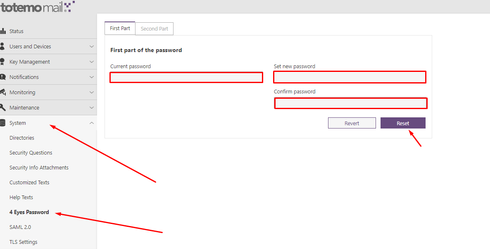
1. To set/reset a 4 Eyes password, you need to make changes in the DB.
You can use the following statements:
delete from SMPROPERTIES where name like 'history%';
delete from SMPROPERTIES where name like 'pkcs12Pass%';
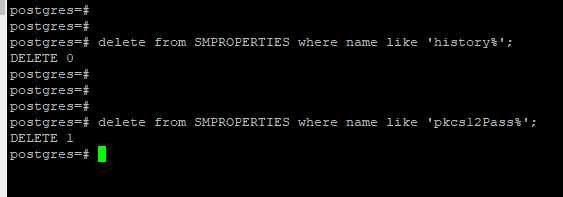
After deleting the parts and the history, please restart totemomail. A new 4 Eyes password can then be set again.
Internal information:
What this do is , delete the following lines from the DB:
pkcs12PasswordPart1
historyXPkcs12PasswordPart1 (X = ascending password history, starting with 0)
pkcs12PasswordPart2
historyXPkcs12PasswordPart2 (X = ascending password history, starting with 0)
The lines can be found in the SMPROPERTIES table . This is not to be confused with the SMSECMAILPROPERTIES table .
…
- After this procedure you can open the GUI and reset the password
as current password you can use: totemo